All projectsiPhone, iPad & Web · Music & visuals

AUDIOVISOR

Give your music a world to move through.

AUDIOVISOR is where my music and visual experiments meet. I built a stage that reacts to what’s playing, then brought it into an iPhone and iPad app with a native music library and 24 visual worlds to get lost in. The browser version is there to try, too.
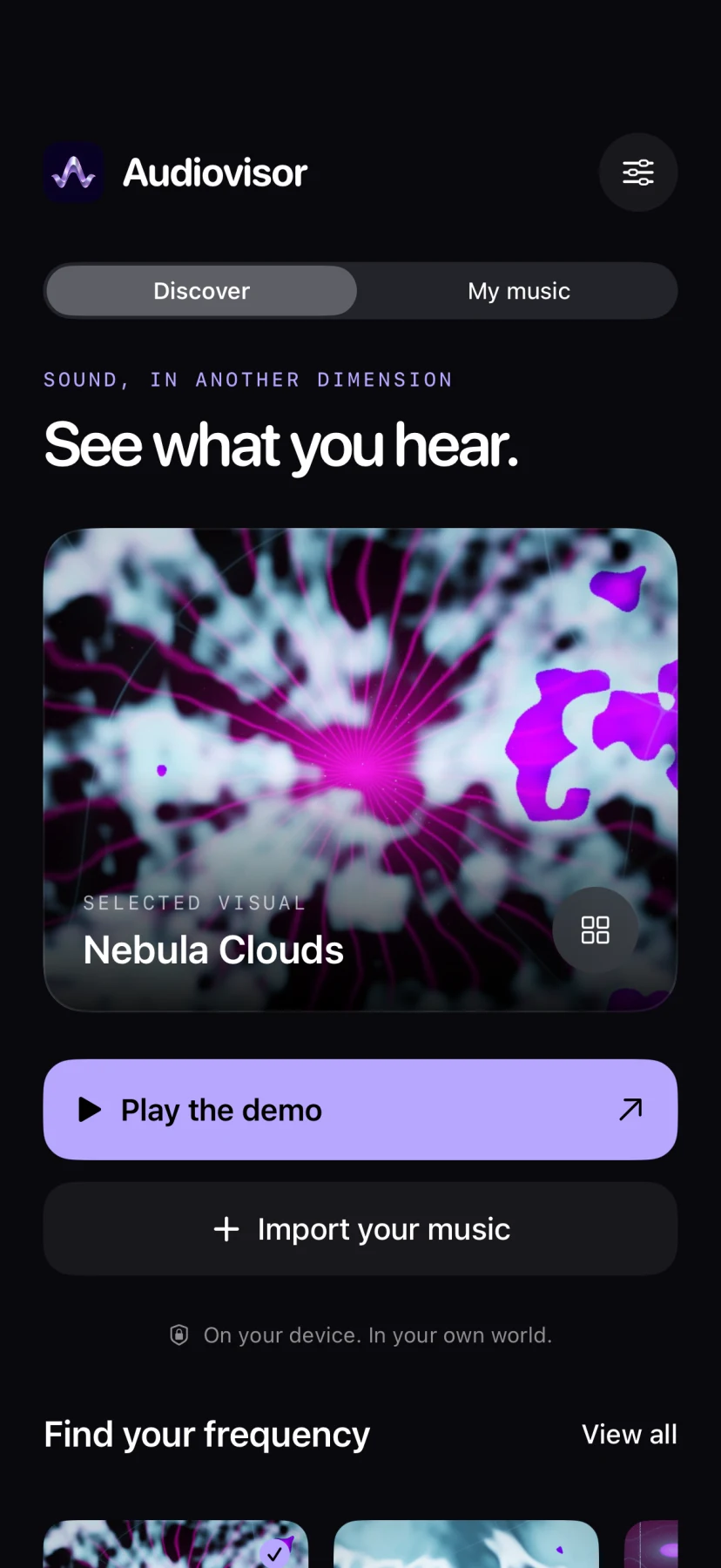
AUDIOVISOR’s native iPhone Discover screen with Nebula Clouds, demo playback, and music import.
The iPhone studio · submitted build, simulator capture
AUDIOVISOR’s native iPhone Discover screen with Nebula Clouds, demo playback, and music import.

The iPhone studio · submitted build, simulator capture

One track, 24 different worlds

There are scopes and spectrum bars, kaleidoscopes, particle fields, and bigger atmospheric scenes. The app’s visual browser uses previews from the actual renderer, so you can search for a world, pick a look, and get back to listening. Palettes, EQ, and effects let you keep tinkering.
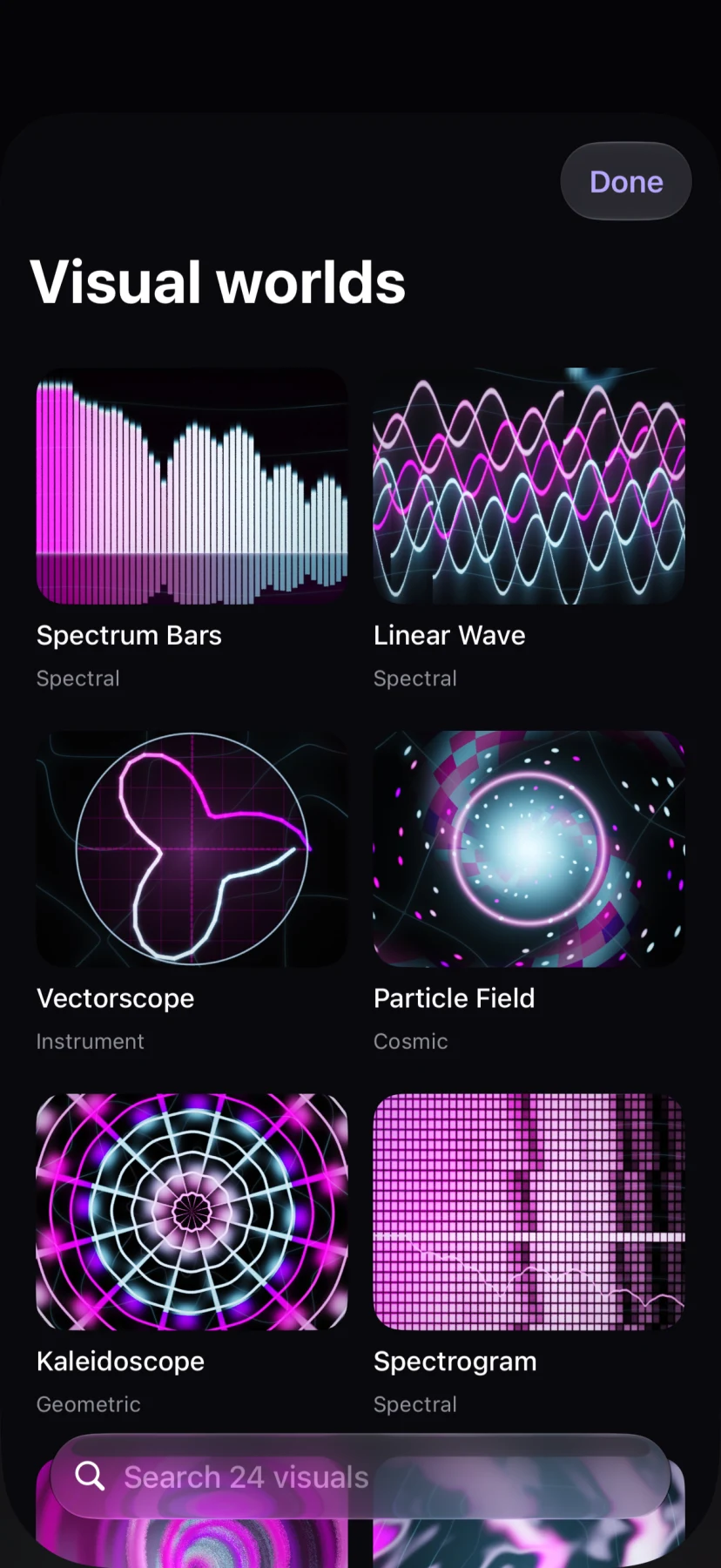
AUDIOVISOR’s iPhone visual browser with spectrum bars, waves, a vectorscope, particles, and a search across 24 visuals.
Find a different world · submitted build, simulator capture
AUDIOVISOR’s iPhone visual browser with spectrum bars, waves, a vectorscope, particles, and a search across 24 visuals.

Find a different world · submitted build, simulator capture

Your music, on your device

Import audio from Files and the app keeps a private library on your device. The player stays with you as you move between the studio and your music. Core playback and visuals work offline, without an account, and there’s a built-in demo to start with.
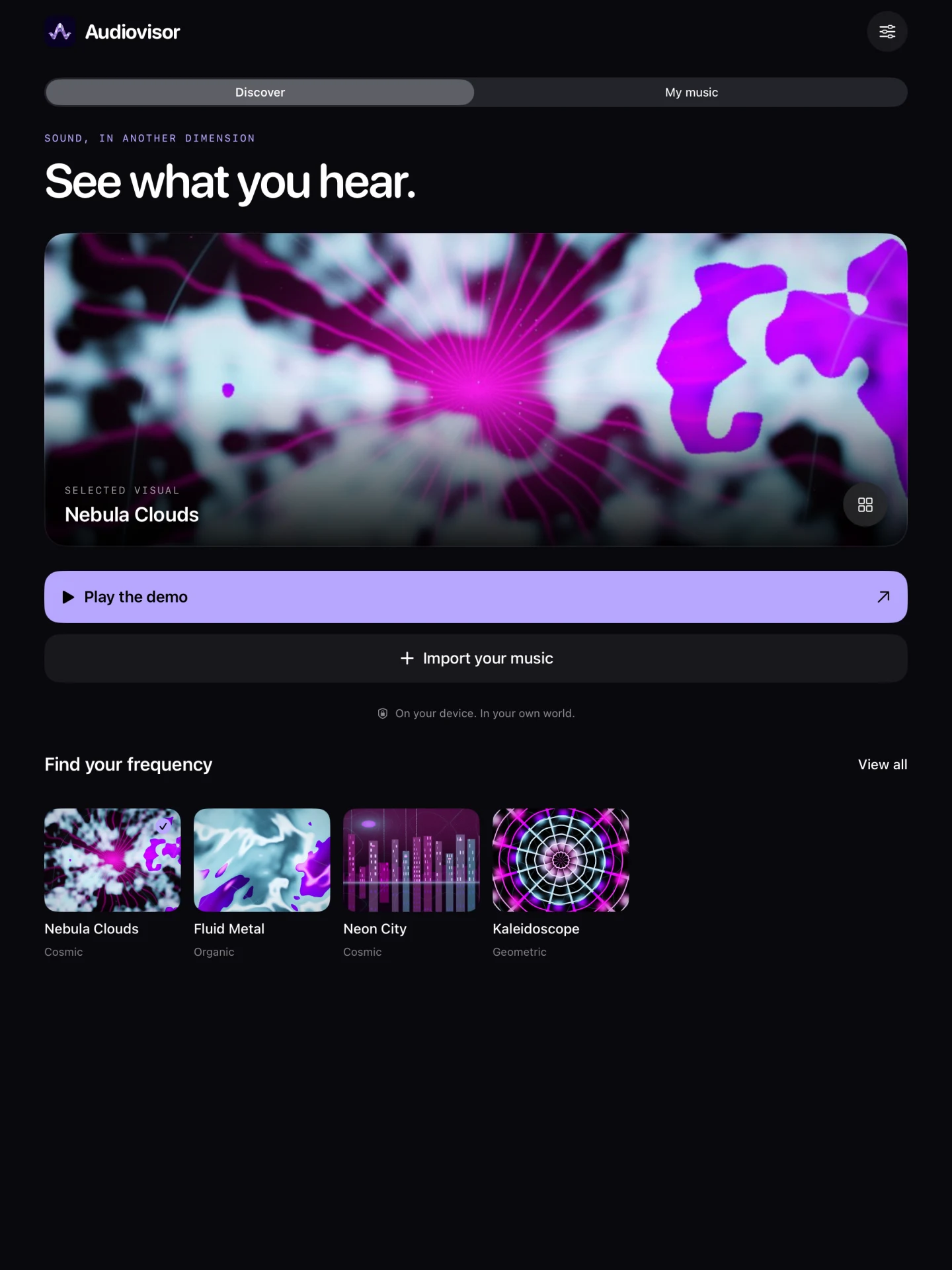
AUDIOVISOR’s native iPad studio with its visual preview, demo, import, and featured visual worlds.
A little more room on iPad · submitted build, simulator capture
AUDIOVISOR’s native iPad studio with its visual preview, demo, import, and featured visual worlds.

A little more room on iPad · submitted build, simulator capture

The browser is a playground, too

The web app has my own FL Studio test tracks, local-file playback, and supported live audio inputs. Its Spotify and Apple Music connections provide playback, but don’t supply the audio data for beat-driven visuals. Those streaming connections and the browser capture tools stay in the web version.
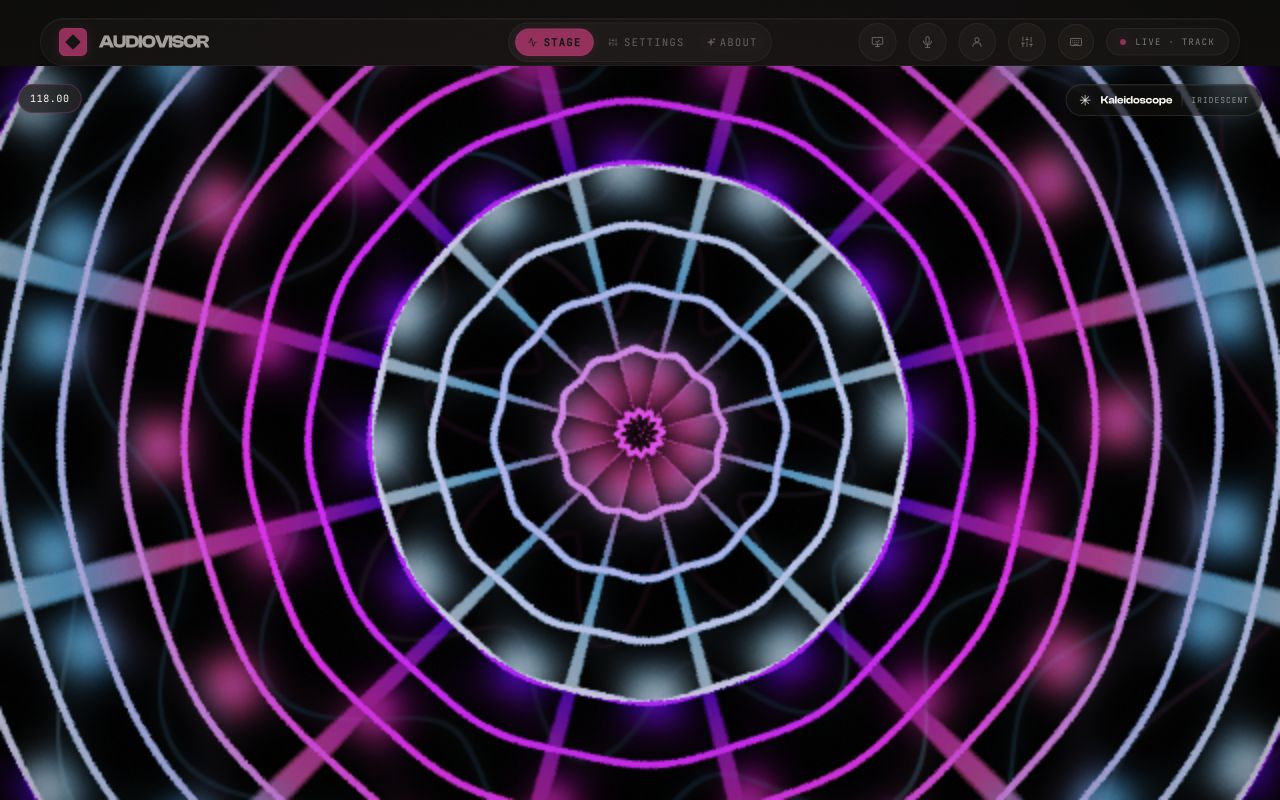
AUDIOVISOR running in the browser with its visual stage and playback controls.
AUDIOVISOR · live browser capture
AUDIOVISOR running in the browser with its visual stage and playback controls.

AUDIOVISOR · live browser capture

Up nextPass the Fish!