Palstead Pocket
A little help, close at hand.
Pocket brings Palstead to iPhone and iPad. Ask a quick question, keep a useful note, or check in on your Mac’s work. It has its own phone tools and compatible local chat, with the same little Pal along for the ride.
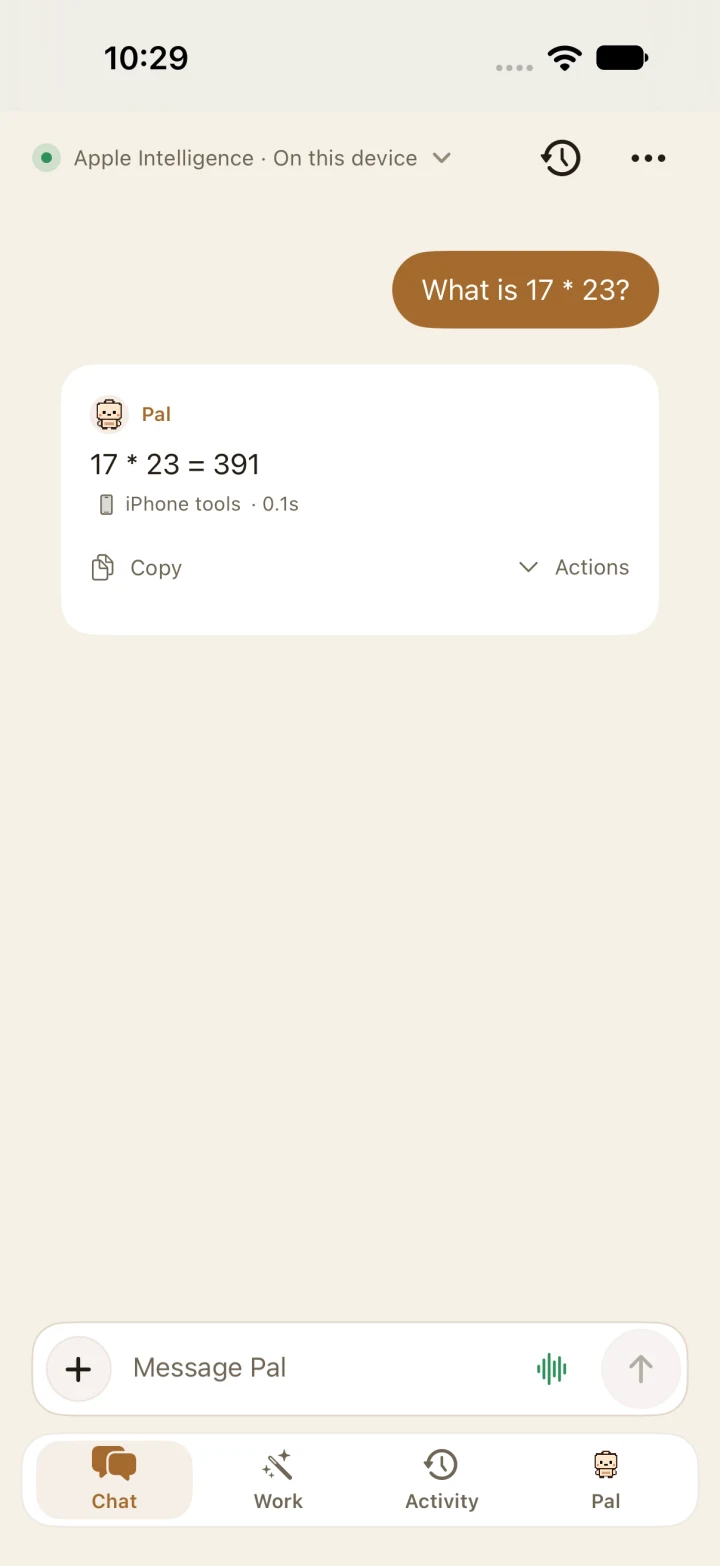
Small questions, quick answers
Built-in phone tools handle things like arithmetic and everyday conversions without needing a Mac. On supported devices, you can use a compatible local model too. The model picker makes the route explicit: keep chat on this iPhone, prefer the phone with a Mac fallback, or use the Mac.
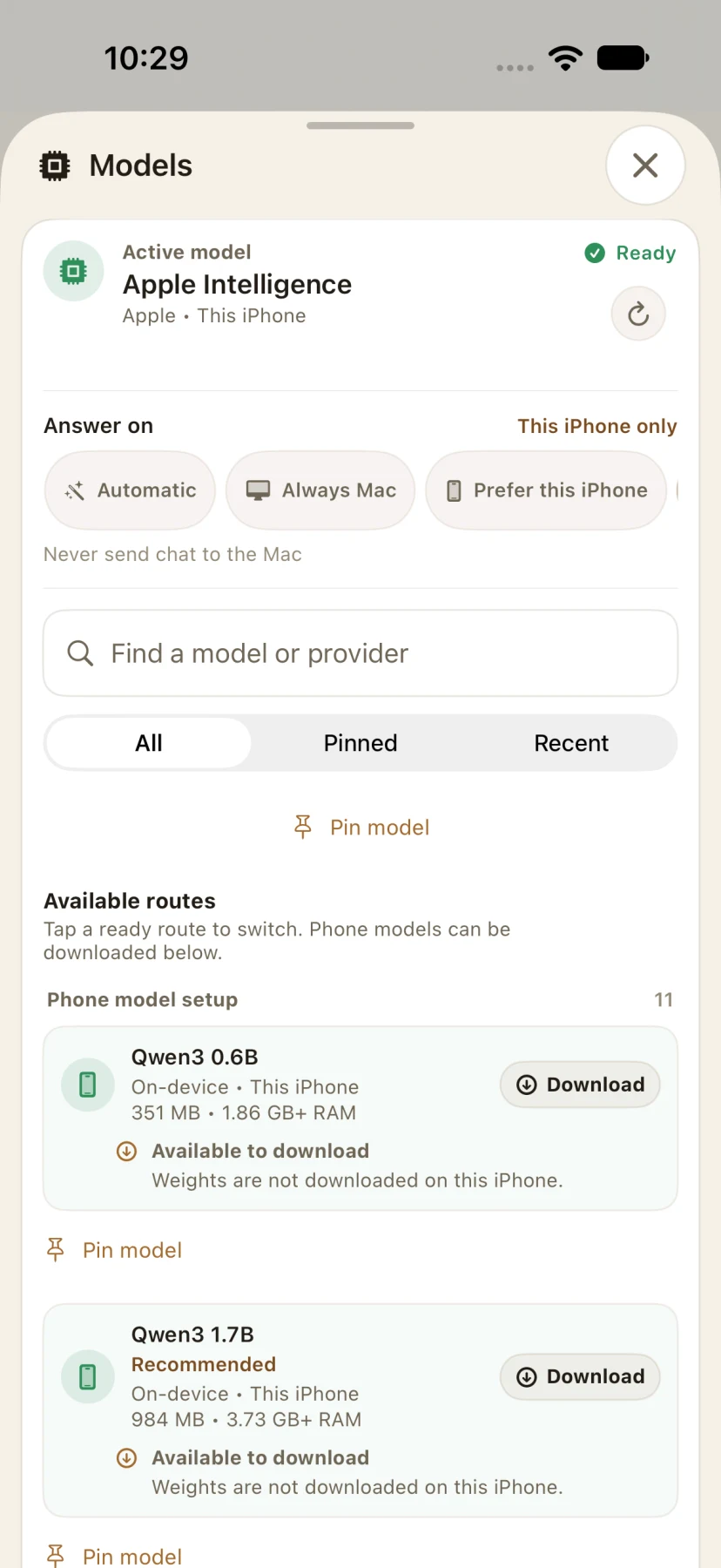
Your Mac, close at hand
Pair a reachable Mac to use its models, send a task, follow progress, review approvals, and read shared receipts. The Mac owns the work it runs. Pocket shows whether the connection is available, and saved activity stays readable when the Mac isn’t there.
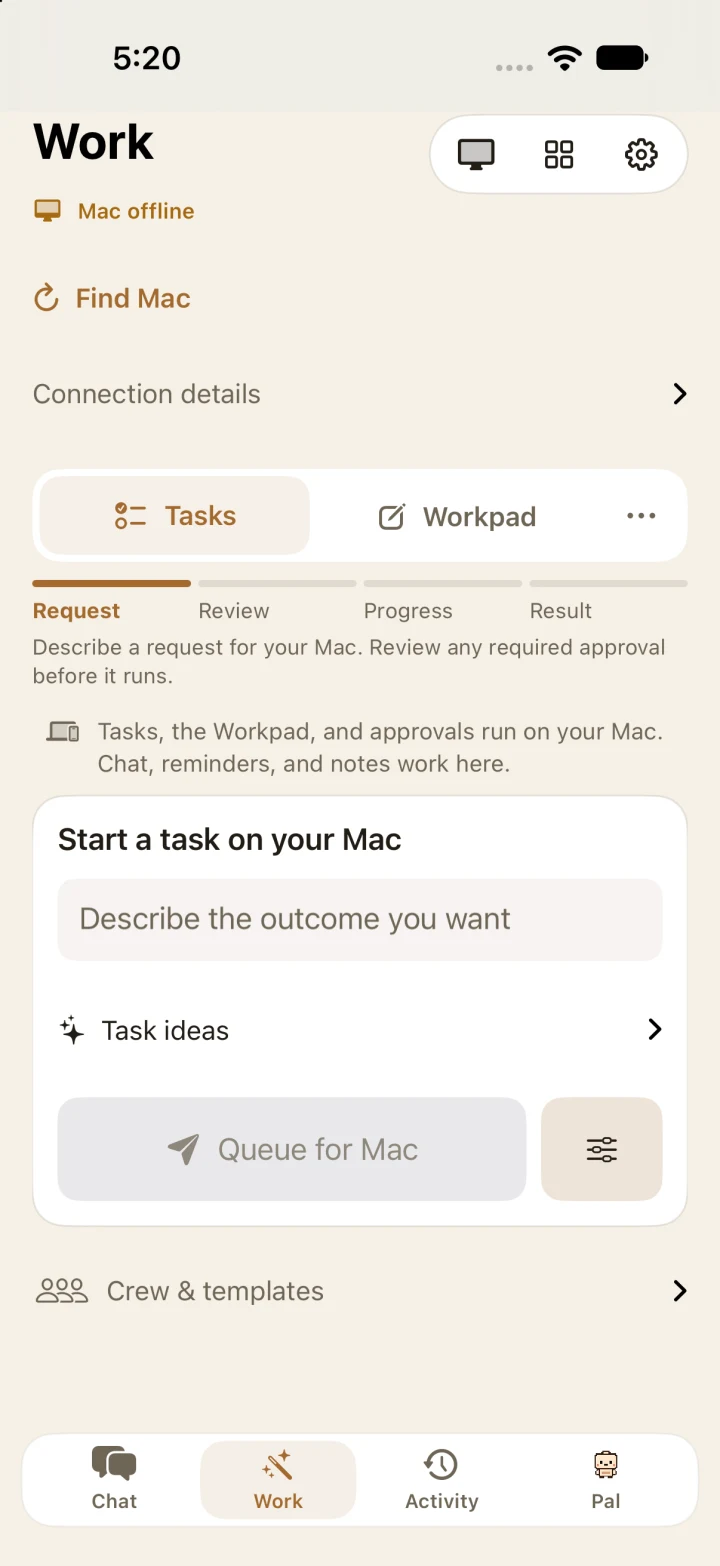
A little space for Pal
I carried Pal’s room and identity into Pocket alongside Chat, Work, and Activity. You can spend a moment with the companion, change its look, and return to the practical stuff. It gives both apps a familiar little corner of their own.
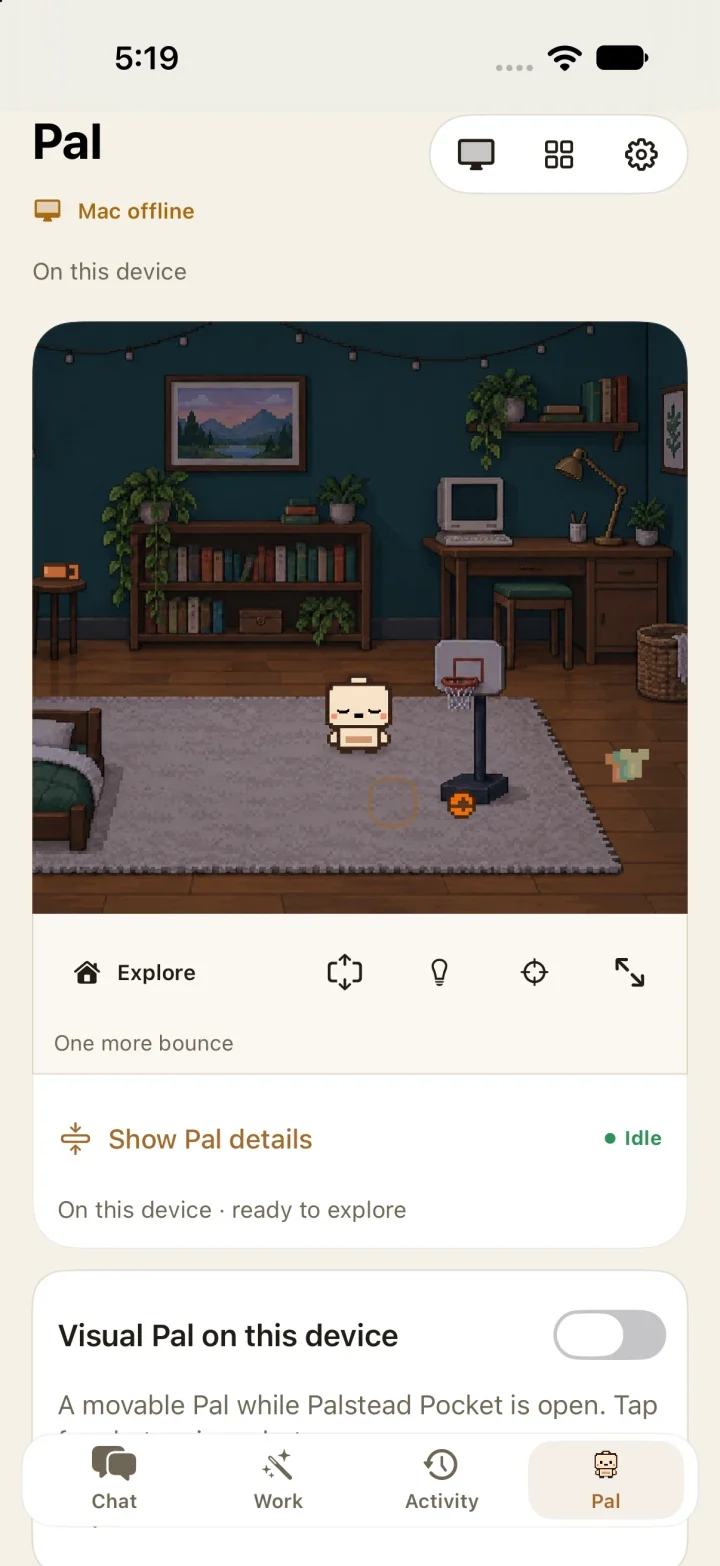
The Chat and Models images are real simulator captures from the App Store gallery; they demonstrate phone tools and the model interface, not physical-device AI generation. Work and Pal show development previews. Connected tasks require a paired, reachable Mac.